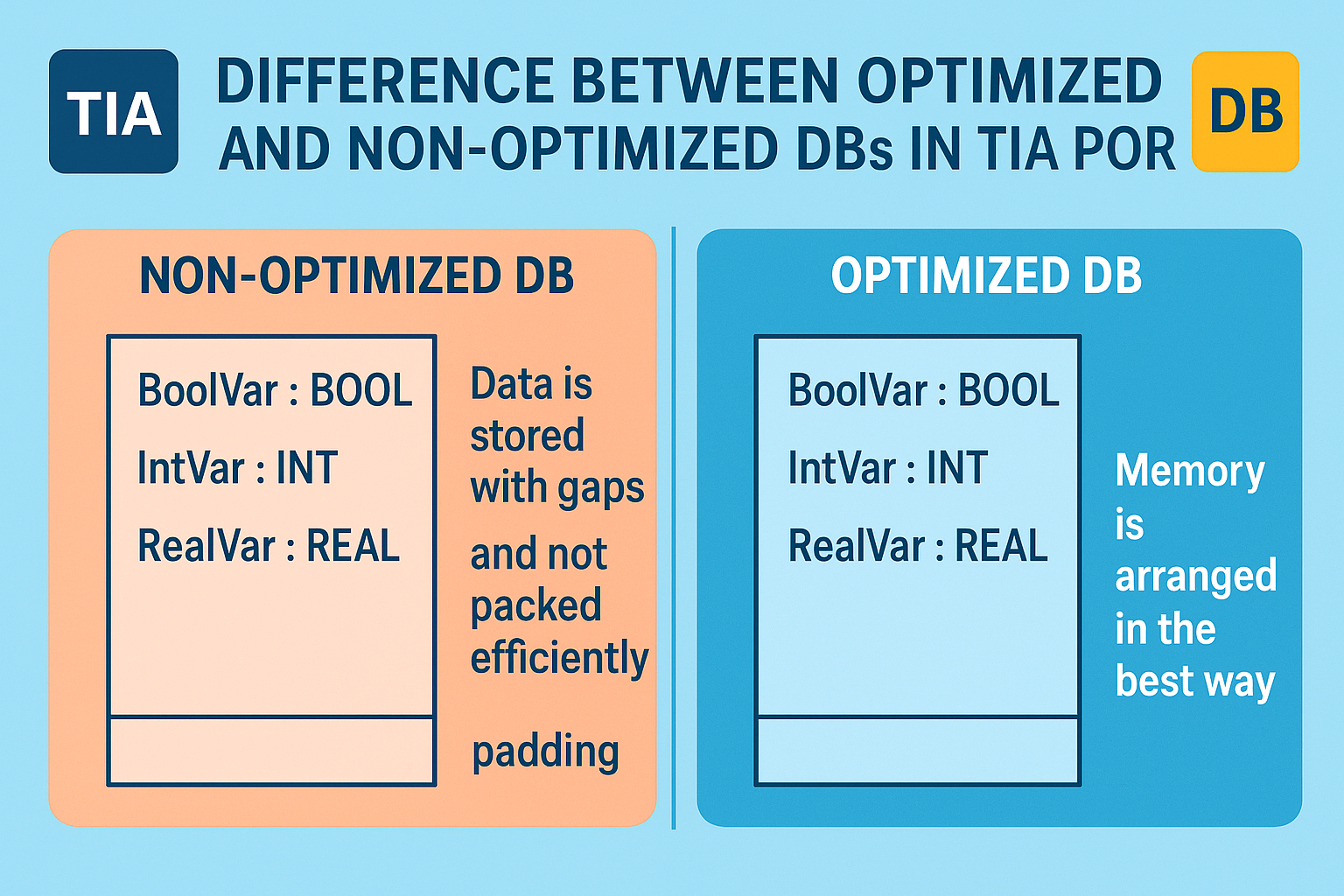
Optimized or non-optimized Block access in TIA Portal
 Optimized or non-optimized Block access
In TIA Portal, Data Blocks (DBs) can be created as optimized or non-optimized
access. The difference mainly affects how the compiler organizes data
and how you access it in your program.
Here’s a clear breakdown:
Non-Optimized DB (Classic /
Standard DB)
- Memory
layout is fixed and absolute ? every variable has a specific
byte/bit address (e.g., DB1.DBX0.0, DB1.DBW2, etc.).
- Compatible
with classic STEP 7 (Simatic Manager)
style programming.
- Useful
when:
- You
need to access data via absolute addressing (e.g., from HMI, other
PLCs, or older code).
- You
want backward compatibility with older Siemens systems.
- Less
efficient because:
- Data
is stored with gaps and not packed efficiently.
- Bigger
DB size due to fixed memory mapping.
- Slower
access time compared to optimized.
Optimized DB
- Memory
layout is dynamic and optimized by the compiler ? addresses are no
longer fixed, but accessed symbolically (by variable name, not by absolute
address).
- Improves:
- Memory
efficiency ? compiler aligns and packs data efficiently.
- Execution
speed ? faster read/write access.
- Variables
are only accessible by symbolic names, not absolute addresses
(e.g., MyDB.MyVar instead of DB1.DBW2).
- Best
practice in new projects, unless absolute addressing is required.
Comparison Table
|
Feature |
Non-Optimized DB
(Standard) |
Optimized DB |
|
Addressing |
Absolute (DBX, DBW, DBD) |
Symbolic only |
|
Memory usage |
Larger (fixed layout) |
Smaller (compact layout) |
|
Speed |
Slower |
Faster |
|
Compatibility |
Old systems, HMI absolute tags |
New projects, symbolic access |
|
Flexibility |
Hard to change structure (breaks addresses) |
Easy to change, compiler reorganizes automatically |
Rule of Thumb
- Use optimized
DBs for all new projects (best performance, cleaner code).
- Use non-optimized
DBs only if:
- You
must interface with older STEP 7 projects.
- HMI/SCADA
or external systems require absolute addressing.
Leave Comment